
Download Minecraft Education Preview – Minecraft Education, classroom learning, STEM education, digital learning tools, Minecraft lessons, educational game
Overview
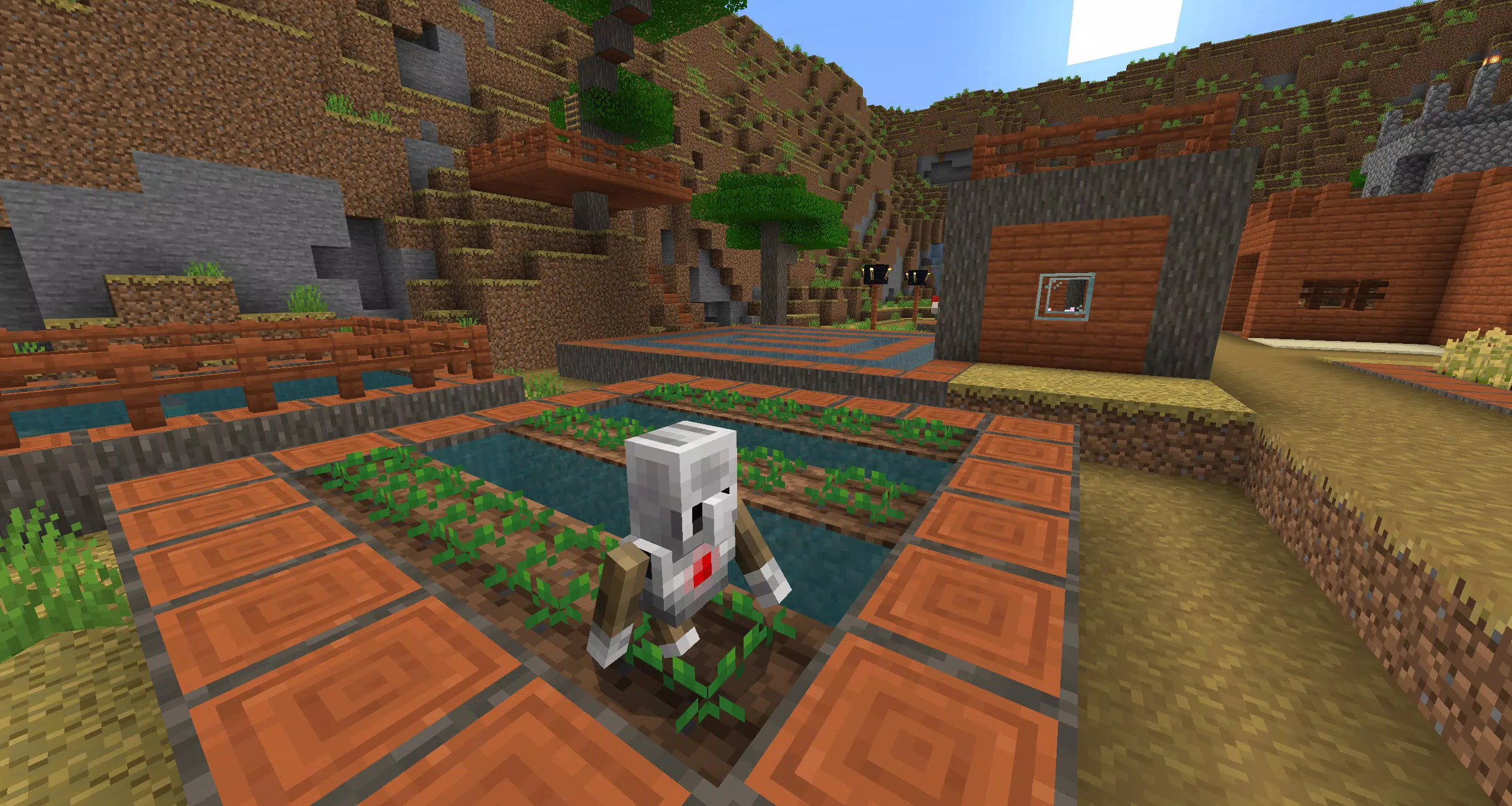
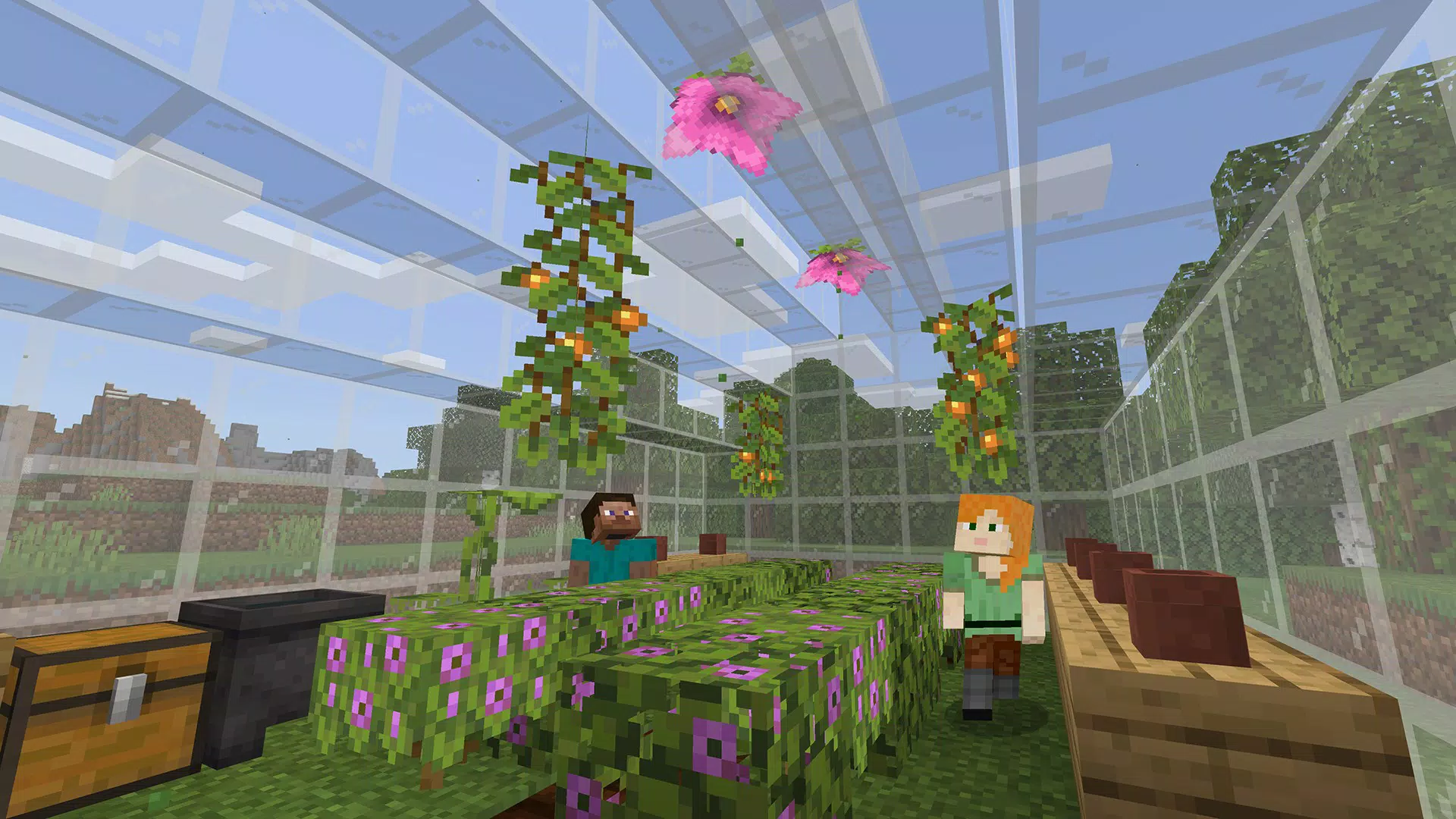
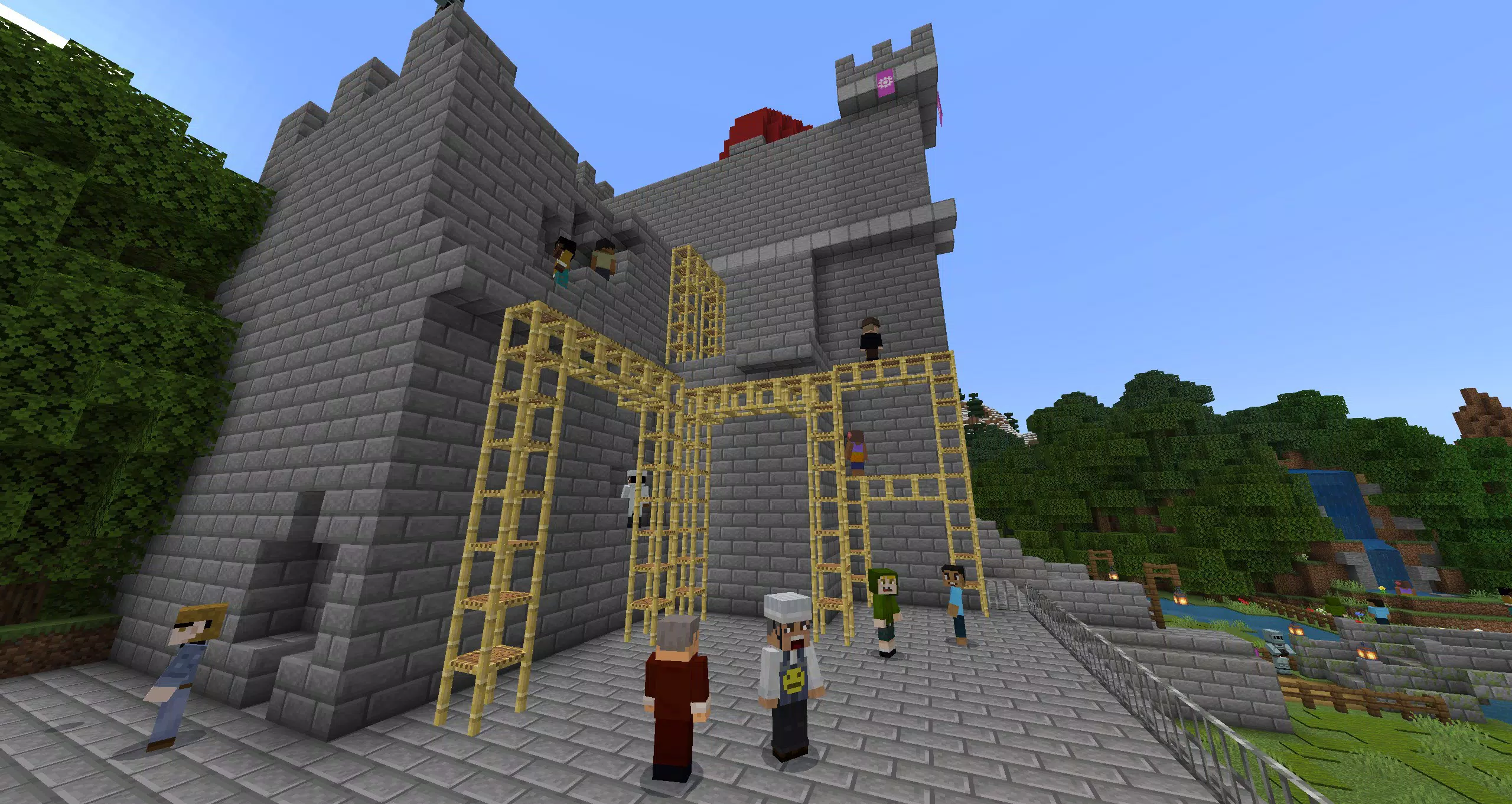
Minecraft Education Preview serves as a development-focused version of the widely recognized educational platform, offering educators and students early access to upcoming features and enhancements. Designed specifically for classroom integration, this app supports interactive, project-based learning experiences across disciplines such as science, technology, engineering, and mathematics (STEM). The primary purpose of the Preview is to allow users to test new tools and lesson modules before their official release, enabling educators to provide feedback and plan curriculum updates in advance. It is particularly valuable for schools and institutions adopting digital learning tools to enhance student engagement and critical thinking.
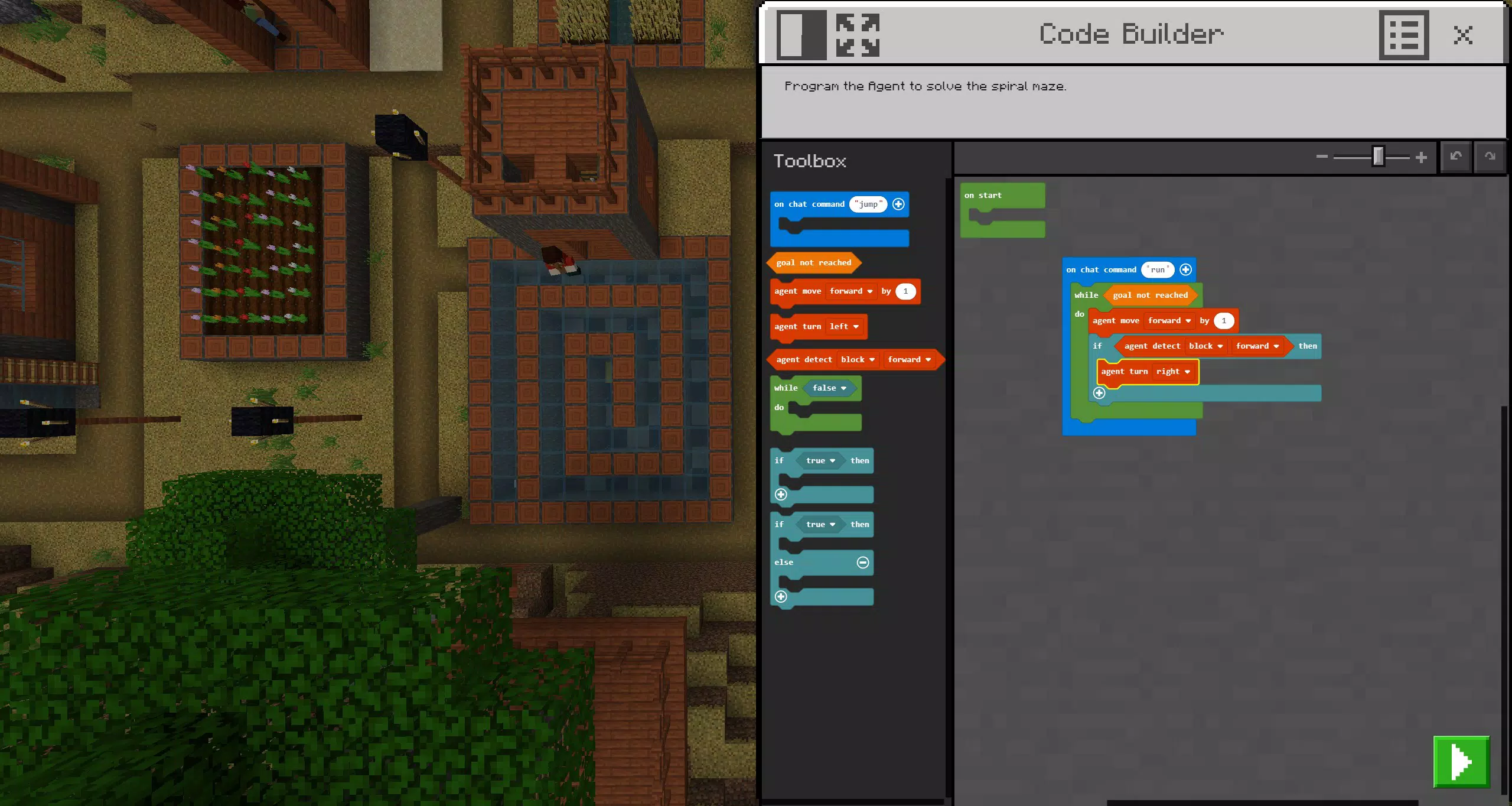
The app targets teachers, curriculum developers, and tech-savvy students involved in pilot programs or innovation labs. While Mojang Studios is known for its creative and community-driven approach, the Preview version remains distinct from the stable retail release, emphasizing its experimental nature. Real-world use cases include designing virtual ecosystems, coding with redstone circuits, or simulating historical environments—all within a safe, controlled digital space. This version plays a key role in the broader educational technology ecosystem by bridging innovation and classroom readiness, helping educators stay ahead of evolving digital learning trends.
Key Features & Functionality
- Upcoming Features Access: Educators can explore new tools and mechanics under development, such as enhanced classroom controls, improved collaboration features, and advanced simulation environments. This allows teachers to evaluate how upcoming changes might impact lesson delivery and student interaction.
- Limited User Interaction: The Preview version does not support joining games with users on the standard retail version. This restriction ensures stability during testing but limits collaborative activities with peers using different builds.
- Worlds Not Transferable: Any worlds, projects, or custom content created in the Preview will not carry over to the final retail release. This is a critical consideration for educators planning long-term projects or assessments.
- Lesson Library Access: Users retain full access to the curated library of educational lessons, which include structured activities aligned with curriculum standards. These lessons support interdisciplinary learning and can be used to teach coding, architecture, environmental science, and more.
- Possible Instabilities: As an early build, the app may experience bugs, crashes, or performance inconsistencies. Users should expect occasional disruptions, especially during extended sessions or complex tasks.
For example, a science teacher might use the Preview to test a new simulation of the water cycle before introducing it to a full class. However, they should avoid relying on any custom worlds created during testing, as those will not persist after the official release.
Interface, UX & Performance
The user interface of Minecraft Education Preview follows the familiar design language of the main Minecraft platform, with a clean, intuitive layout that prioritizes accessibility for both educators and students. Navigation is straightforward, featuring a central dashboard that displays available lessons, recent projects, and access to the Preview-specific tools. Visual elements are consistent with the blocky, stylized aesthetic of the franchise, ensuring a low cognitive load for users already familiar with the game.
Interaction flows are designed to support classroom workflows, including teacher-led session controls, student progress tracking, and in-world feedback mechanisms. Although the developer did not list formal performance metrics, the app appears responsive on mid-to-high-end Android devices, with smooth rendering of basic environments. However, performance may vary on older or lower-spec devices, particularly during complex simulations or large-scale projects. Stability is not guaranteed due to the app’s experimental status, and users may encounter unexpected crashes or freezes. Overall, the UX is functional but should be used with caution in live classroom settings where reliability is essential.
Platform Compatibility & Technical Requirements
Minecraft Education Preview is available exclusively on Android. The current version is 1.20.21, with a file size of 358.4 MB. The app is offered at no cost, making it accessible for schools and individual users exploring its capabilities. While the developer did not specify minimum OS requirements, the app is likely optimized for Android 8.0 and above, based on industry standards for similar educational applications. Users should ensure their devices meet basic system requirements for smooth operation.
Compatibility information was not fully disclosed. Specific device models or hardware specifications were not listed. Therefore, users are advised to test the app on their intended devices before deployment in educational environments. The app’s size suggests it requires moderate storage space, so users should verify available capacity prior to installation.
Pros and Cons
Pros
- Free access to upcoming features for educators and students.
- Continued access to the comprehensive lesson library for classroom use.
- Opportunity to test new tools before official release, aiding curriculum planning.
- Consistent visual and interface design familiar to existing Minecraft users.
- Supports interactive, hands-on learning in STEM and other subjects.
Cons
- Worlds and projects created in the Preview will not transfer to the retail version.
- Cannot interact with users on the standard retail version, limiting collaboration.
- Potential instability, including crashes or bugs, due to its experimental nature.
- No official performance or compatibility details provided by the developer.
- Not recommended for use in production classroom environments without testing.
FAQ
Is Minecraft Education Preview safe to use in schools?
Yes, the app is designed for educational environments and does not contain harmful content. However, due to its experimental status, it is recommended to test it in controlled settings before full deployment.
Can I update Minecraft Education Preview to the retail version?
Updates are available through the app store, but any content created in the Preview will not be preserved in the retail version.
Is the app available on iOS?
The app is currently only available on Android. No iOS version was listed by the developer.
Do I need a Minecraft account to use the Preview?
Yes, a valid Minecraft account is required for access, as the app integrates with the broader Minecraft ecosystem.
How often are updates released for the Preview version?
Update frequency is not specified. Users should check the app store regularly for new builds and improvements.
Final Thoughts + CTA
Minecraft Education Preview offers a unique opportunity for educators to shape the future of digital learning by testing new tools and features ahead of their official launch. While it is not intended for daily classroom use due to its instability and lack of cross-version compatibility, it serves as a valuable sandbox for innovation. Teachers interested in STEM education, digital learning tools, and interactive lesson design will find significant value in exploring its capabilities.
The app bridges the gap between development and implementation, empowering educators to stay ahead of the curve. However, users should proceed with caution and avoid relying on any work created within the Preview. For those committed to forward-thinking education, this version is a powerful early access tool.
Download Minecraft Education Preview now.


